PRO REPAIR ADVICE
The Truth About
Your Tech
Don't let common myths ruin your devices or your wallet. Discover the real, technician-verified facts behind electronics repair, and get step-by-step guides you can actually trust.
100% Free · Unsubscribe Anytime
LATEST INSIGHTS
Trending Myths


Updated Weekly
COMMON MISCONCEPTIONS
Fiction vs Reality
Stop risking your expensive devices on bad advice. Here is the technical truth behind the most common repair myths.

THE MYTH
Putting a wet phone in rice will dry it out and save it.
The internet's favorite trick. Many believe that submerging a liquid-damaged device in uncooked rice acts as a powerful desiccant, pulling water out of the components before it shorts the logic board.
PRO CERTIFIED FACT
Rice introduces starch dust and accelerates internal corrosion.
Rice is a terrible desiccant. It seals moisture inside the chassis while packing your charging port with starch and debris. True liquid damage requires an immediate power-off and professional ultrasonic cleaning to survive.
THE MYTH
Overnight charging will overcharge and ruin your battery life.
A lingering belief from the era of nickel-cadmium batteries. People assume that leaving a phone plugged in forces power into a full battery, causing swelling and permanent capacity loss.
PRO CERTIFIED FACT
Modern logic boards automatically halt power at 100%.
Smart battery management systems cut off the electrical current the second your battery is full. It safely switches to a micro-trickle charge only when it drops slightly, meaning your device is perfectly safe on the nightstand.
STEP-BY-STEP LIBRARY
Master The Fix
Follow technician-verified procedures to execute clean, safe, and reliable repairs.
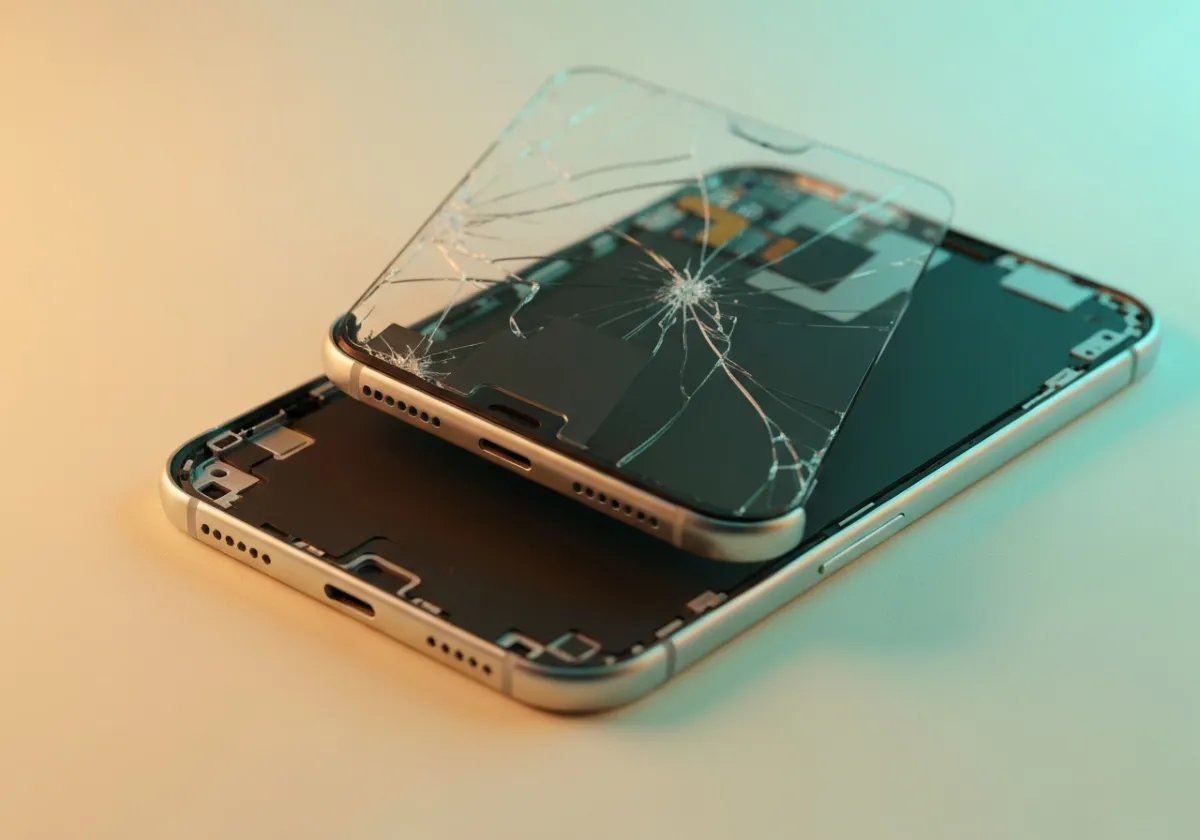
Screen Diagnostics & Swap
Learn the precision techniques for separating adhesive safely without damaging sensitive internal flex cables.
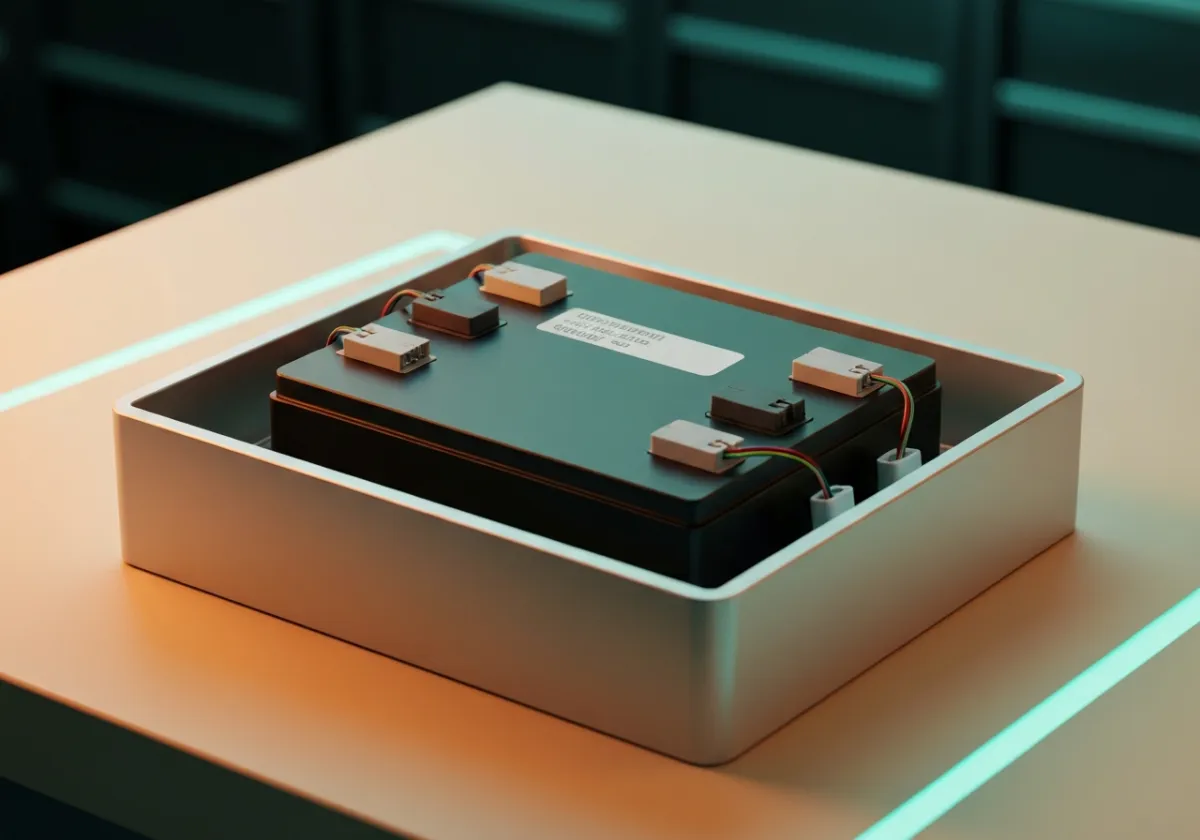
Lithium Battery Isolation
Master safe discharging and removal protocols for handling swollen or chemically degraded lithium-ion cells.
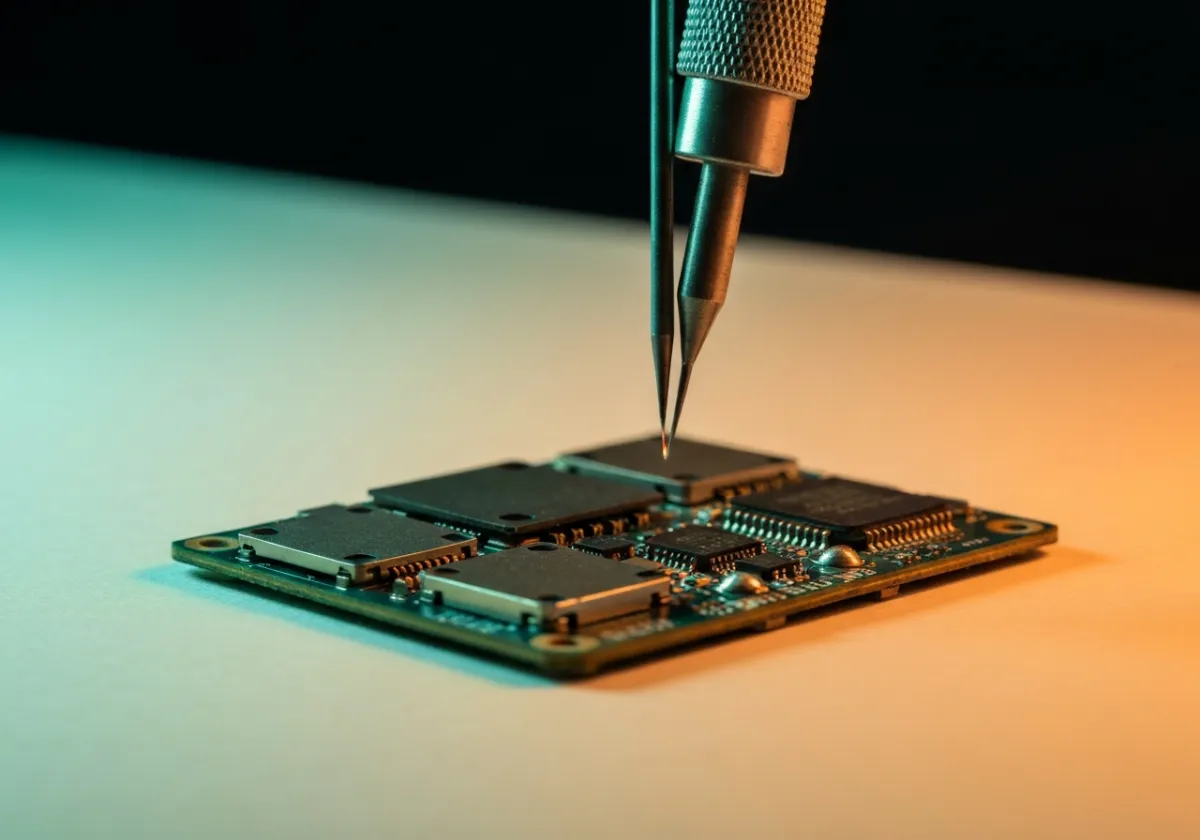
Micro-Soldering Basics
Board-level repair fundamentals for replacing ripped charge ports and tiny surface-mount components.
INSTANT FIXES
Fast Tech Wins
Skip the deep dive and get right to the solution. Here are our top quick maintenance tips to keep your devices running smoothly and avoid unnecessary repairs.
Clean charging ports gently with a wooden toothpick—never metal.
Reboot your router once a month to clear cache and improve speeds.
Use microfiber cloths—never paper towels—on delicate screens.
Keep laptops elevated to allow proper airflow and prevent overheating.
COMMUNITY SUCCESS
Trusted By DIYers
“I was quoted $300 to fix my console. Found the myth-busting guide here, ordered a $15 part, and had it running in an hour. Incredible resource!”

Marcus T.
✓ VERIFIED FIX
“Always thought replacing a phone battery was impossible without breaking the screen. The step-by-step schematic gave me the confidence to try. Saved me from buying a new phone!”

Sarah J.
✓ VERIFIED FIX
“The 'Fact vs Myth' section is a lifesaver. I almost used rice to dry my laptop, which would have ruined it. Used the proper drying technique and it works perfectly.”

David L.
✓ VERIFIED FIX
Your Questions,
Answered
Is water damage always fatal for smartphones?
Not necessarily. If you power off the device immediately and avoid charging it, a professional can often disassemble and clean the logic board using ultrasonic cleaners to prevent corrosion.
Can I replace a modern phone battery myself?
While DIY kits exist, modern devices use strong adhesives and delicate flex cables. Without proper heat tools and experience, you risk puncturing the battery or tearing the display ribbon.
Will putting my wet phone in rice fix it?
No. Rice is a myth and can actually introduce dust and starch into the charging port. Instead, use silica gel packets or seek professional ultrasonic cleaning immediately.
Does a cracked screen mean the internal LCD is broken?
Not always. If the touch responds and there are no black ink spots or colored lines, only the outer glass is damaged. However, specialized equipment is required to separate and replace just the glass.
Are third-party replacement parts safe to use?
It depends on the quality tier. High-quality aftermarket parts from reputable suppliers are generally safe and cost-effective, but extremely cheap parts can cause touch issues, battery swelling, or system warnings.
STILL STUCK?
Need Expert Help?
If you're dealing with a repair beyond the basics, don't risk further damage. Reach out to a verified technician to get it done right the first time.
Debunking repair myths with technician-verified facts. Keep your devices running longer with the truth, not the trends.
Categories
iPhone Repair
Android Fixes
Tablet Screens
Battery Myths
Screen Facts
Site Map
Top Stories
Myth vs Fact Grid
Step-by-Step Library
Quick Repair Tips
Community Trust
FAQ
Connect


Privacy Policy | Terms of Service
© 2026 Repair Myths. All rights reserved.